 Figma
 DevOps
 Teams
 Slack
The 30-second version
For anyone short on time.
Applications and reviews were spread across email, spreadsheets and separate systems.
Designed and updated desktop and mobile screens, ran design walkthroughs, and wrote user stories.
Contributed to a live system that brings permits into one trackable place.
Wireframes annotated with user stories for development handoff.
Permits lived in too many places.
HCMS brings everything into one system.
Applications and reviews were handled across emails, spreadsheets and separate systems, causing confusion and delays.
One place to submit, review and track permits, making the process faster and easier to follow.
Helps ensure projects near highways meet safety standards and planning requirements.
What I owned.
Screens, walkthroughs and handoff.
Wireframes
Designed and updated desktop and mobile screens based on client feedback.
Workshops
Presented ideas and walked developers and clients through designs in working sessions.
User stories
Gathered requirements in Azure DevOps and posted them onto wireframes for handoff.
From submission to payment.
Three key screens from the permit flow.
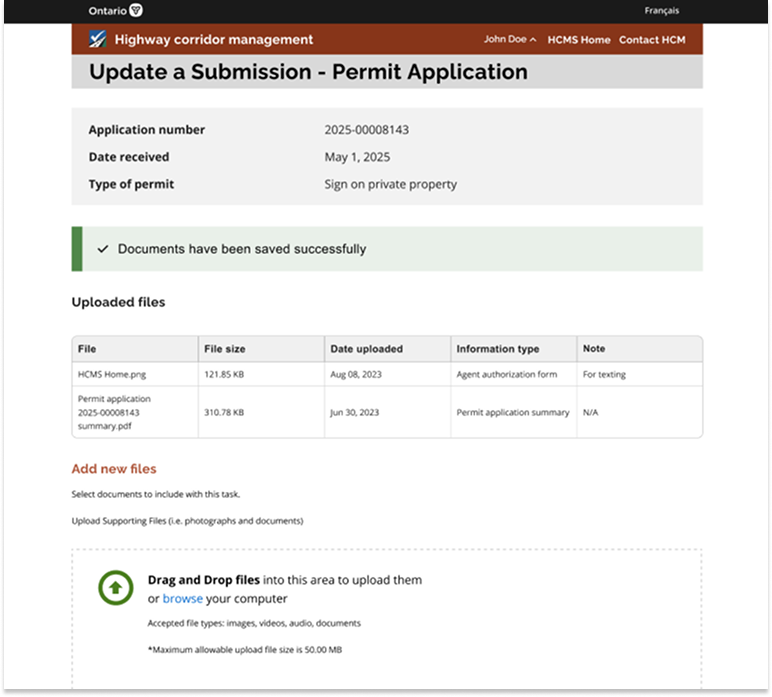
One of 9 screens for updating and tracking a submission. Upload permit files; every permit has a unique tracking number.
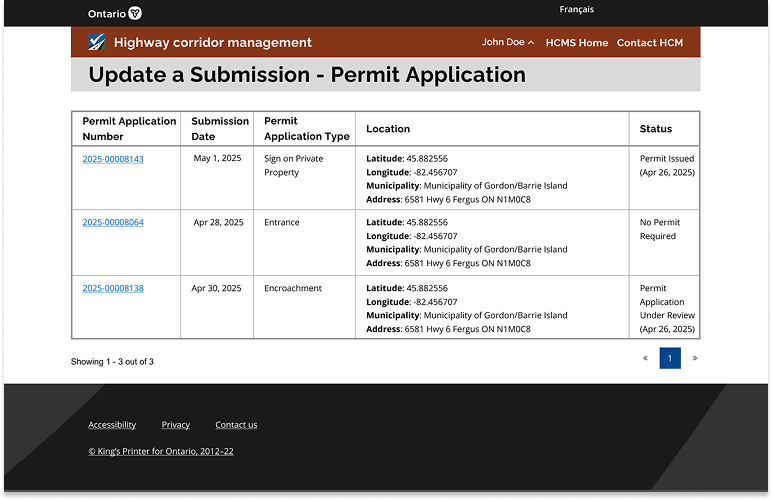
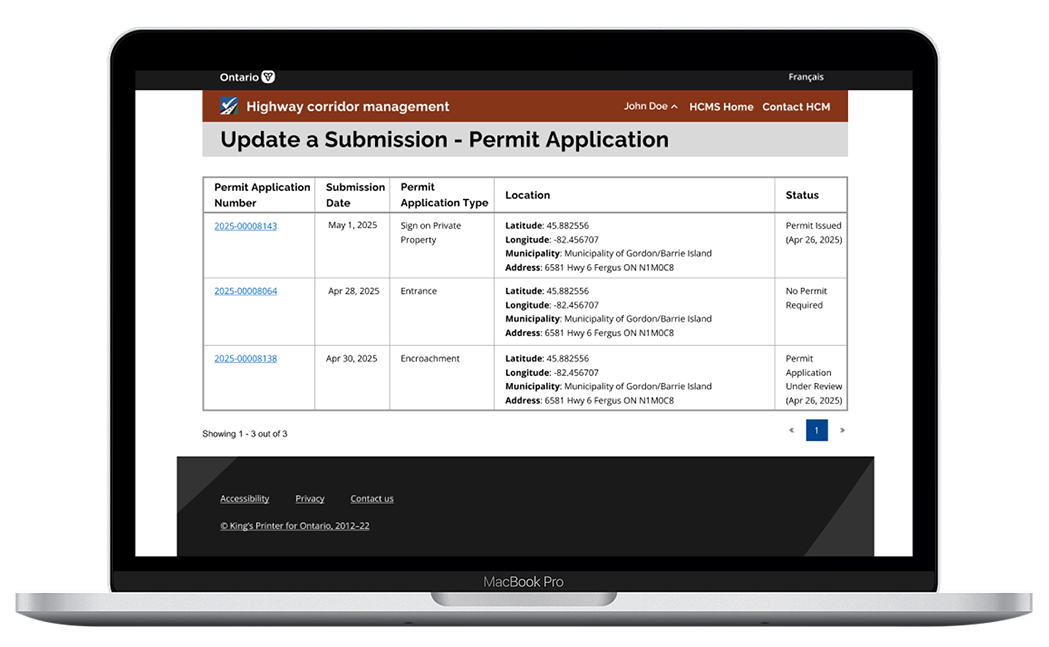
A master view of every permit and its details. Click an application number to open the full permit.
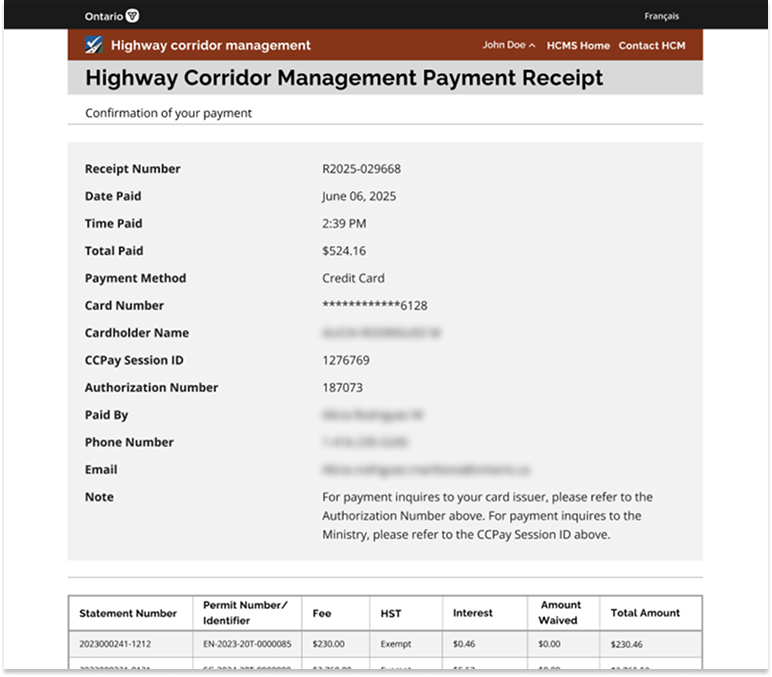
A receipt page after a permit transaction, showing every detail and the total paid. Names are blurred and other details are placeholders.